iOS 26 changes wallpaper significantly — the new Liquid Glass interface means your wallpaper now shows through translucent UI elements in a way that previous iOS versions didn’t. Dark aesthetic wallpaper on iOS 26 works differently: the atmospheric depth of the wallpaper becomes part of the interface itself, not just a background behind it.
This guide covers the best dark aesthetic wallpaper options for iPhone iOS 26 specifically — what works with Liquid Glass UI, how to set wallpapers correctly, and where to find illustrated art.
The new Liquid Glass UI shows through UI elements like the Lock Screen clock, Dynamic Island, and widget backgrounds. Dark atmospheric wallpaper with gradient depth — not hard pattern — works best because the gradients show cleanly through translucent layers. Available on Creative Fabrica with instant download.
What’s New About Wallpaper Use in iOS 26?
iOS 26’s Liquid Glass design makes UI elements semi-transparent — the Lock Screen clock face shows the wallpaper through it, the Dynamic Island reflects ambient wallpaper colour, and widget backgrounds blur and tint from the wallpaper colour underneath. This means your wallpaper choice affects the entire visual experience, not just the background.
For dark aesthetic wallpaper: atmospheric gradient compositions work best because the gradient quality shows through translucent elements as depth rather than as a flat colour read. Busy pattern wallpapers create visual noise when seen through multiple transparent layers simultaneously.
Which Dark Aesthetic Wallpaper Styles Work Best on iOS 26?
Gradient-heavy atmospheric art: forest green gradient, midnight blue gradient, deep violet gradient — these work best behind Liquid Glass elements because the gradient creates a sense of depth through the translucency. Botanical illustration with strong background gradient: the botanical detail adds interest, but the gradient background is what shows through UI elements cleanly. Abstract watercolour: the organic colour variation of watercolour reads well through translucent layers without competing.
Avoid: high-contrast repeating patterns (create distracting moire-like effects through transparency), bright colour with dark contrast (reads incorrectly through tinted transparent layers), photography (compression artefacts become visible through Liquid Glass transparency).
Best Dark Aesthetic Wallpaper for iPhone iOS 26
Each file is a ready-to-download illustrated digital art from Creative Fabrica — commercial licence, instant download. Free plan rotating options; All Access unlocks everything.
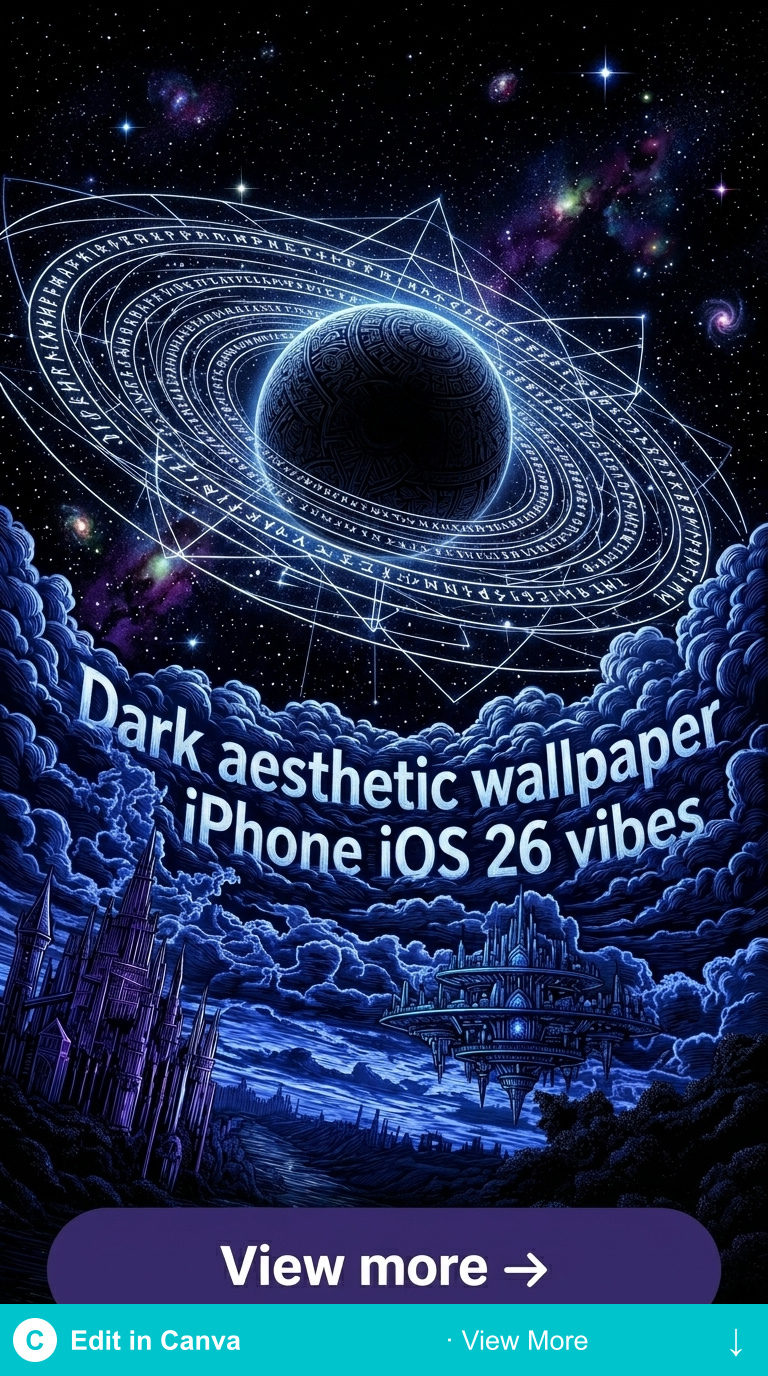
Dark Forest Gradient
Deep forest green gradient from rich colour centre to near-black edge — the gradient quality shows through iOS 26 Liquid Glass elements as atmospheric depth. Strong Lock Screen choice.
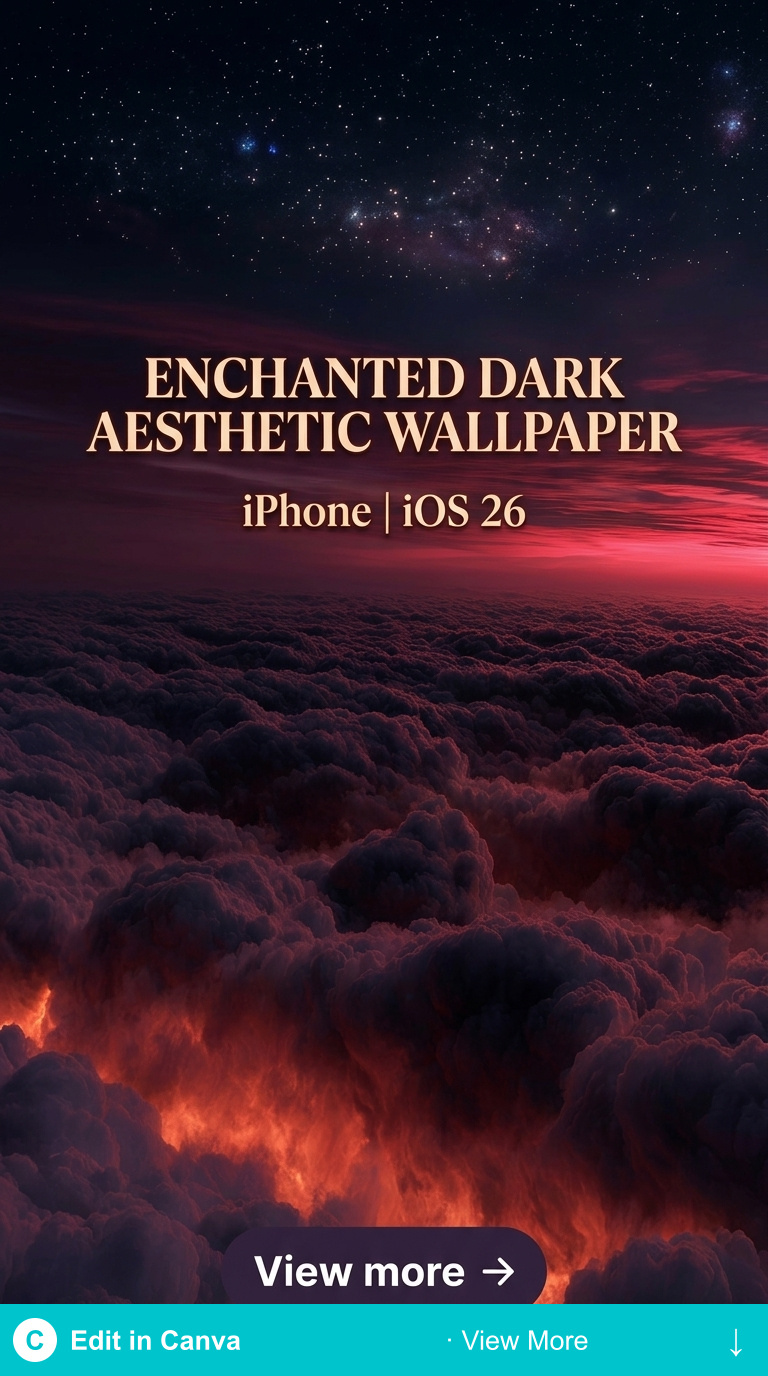
Dark Midnight Blue
Midnight blue atmospheric gradient — smooth colour transition from deep cobalt to near-black. Works particularly well with iOS 26’s Dynamic Island and translucent widget backgrounds.
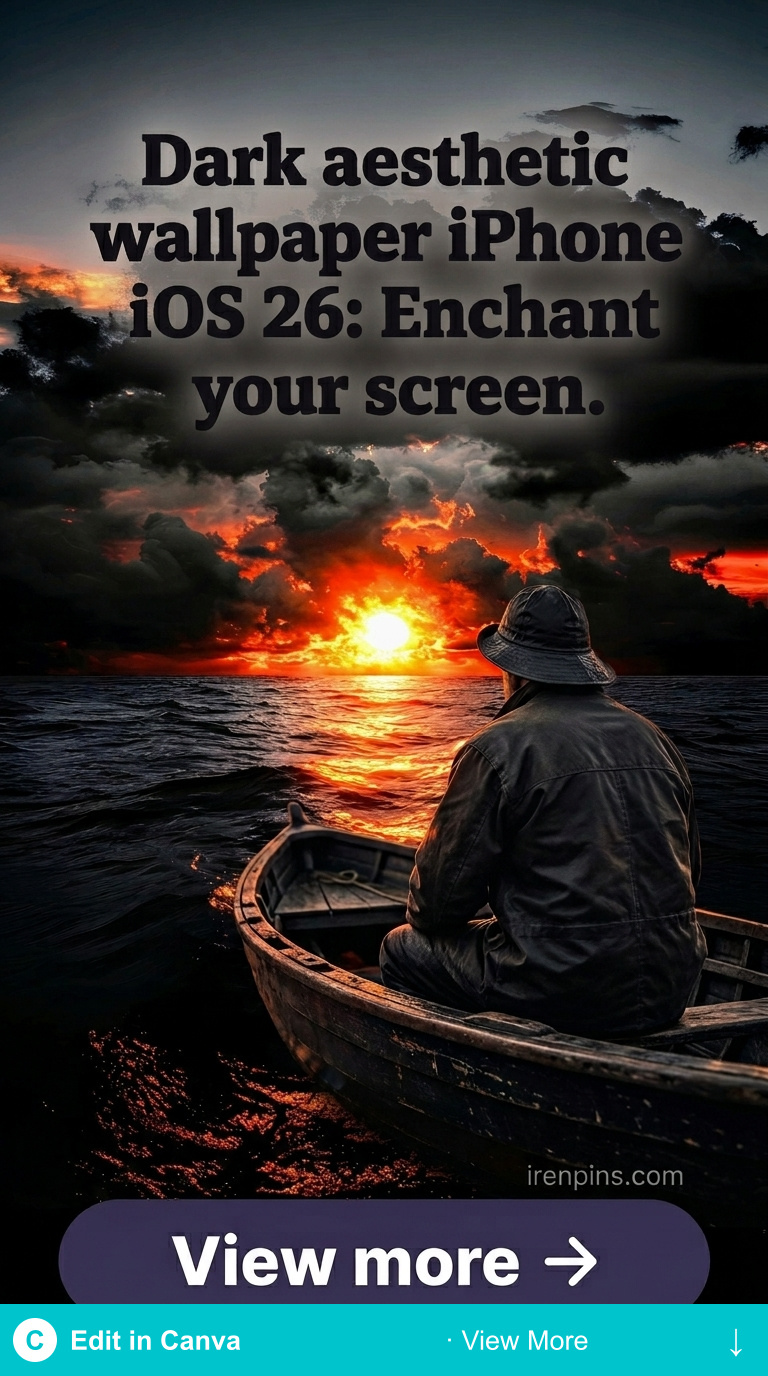
Dark Botanical Gradient
Botanical illustration art with strong gradient background — the botanical detail adds visual interest, while the gradient shows cleanly through Liquid Glass UI layers.
How to Set Dark Aesthetic Wallpaper on iPhone with iOS 26?
Settings → Wallpaper → Add New Wallpaper → Photo Library (if downloaded). iOS 26 will prompt you to set for Lock Screen and Home Screen separately. Key: for Lock Screen, choose the crop that puts atmospheric gradient in the upper area (where the clock shows through) and botanical detail in the lower section. For Home Screen: centre the atmospheric section that sits behind your app grid.
Related: dark aesthetic wallpaper iPhone guide and dark aesthetic wallpaper iPhone HD 4K guide.
Browse Dark Aesthetic iPhone Wallpapers →
Key Takeaways
- iOS 26 Liquid Glass makes wallpaper visible through UI elements — gradient atmospheric art works best behind translucent layers
- Avoid high-contrast patterns and photography — they create visual noise through Liquid Glass transparency
- Set Lock Screen and Home Screen crops separately, putting gradient in the clock area and detail in the lower section
- Creative Fabrica illustrated art at 3000px+ handles iOS 26 display resolution correctly
Frequently Asked Questions
What resolution does iOS 26 use for wallpaper?
iPhone 16 Pro/Pro Max: 2556×1179px (native). Safe zone for all current iPhones: 1170×2532px. Download at 3000px+ and let iOS scale — the quality difference between native and slightly-above-native is invisible at normal viewing distance.
Does iOS 26 Liquid Glass work better with dark or light wallpaper?
Dark wallpaper shows the translucency effect more distinctly — the transparent layers are clearly visible against dark backgrounds. Light wallpaper tends to make translucent UI elements less visually distinct. For the full Liquid Glass aesthetic effect: dark wallpaper gives the clearest result.
Can I use different wallpapers for different Focus modes on iOS 26?
Yes — iOS Focus modes support different wallpapers for each Focus. Set one dark aesthetic wallpaper for Work Focus and a different one for Personal or Sleep Focus. The wallpaper switches automatically when the Focus mode activates.