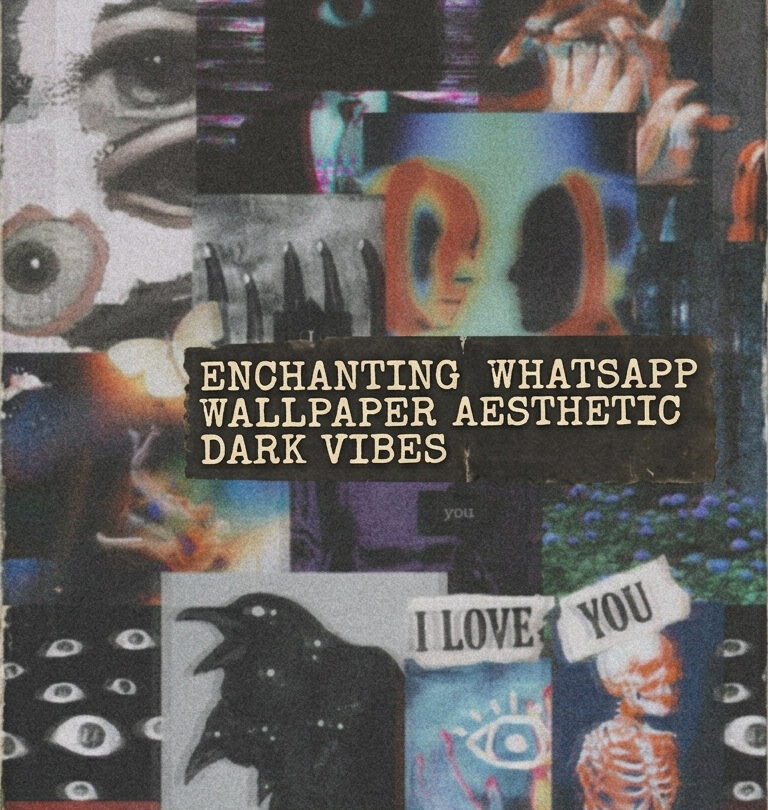
WhatsApp wallpaper is the one screen element most people never think about — and then immediately notice when someone else’s chat background looks deliberate. Dark aesthetic wallpaper in WhatsApp reads differently than phone wallpaper: you see it through chat bubbles, which means the composition needs to work around text blocks, not compete with them.
This guide covers the best WhatsApp wallpaper aesthetic dark options in 2026 — which styles work behind chat text, how to set them correctly, and where to download illustrated art.
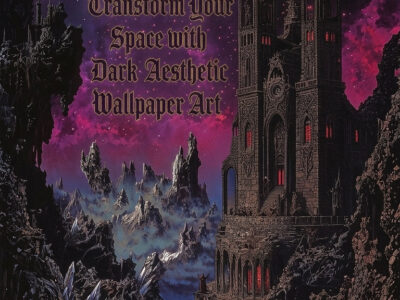
Low visual complexity in the centre (where chat bubbles sit) with atmospheric detail at the edges. Deep colour without high-contrast texture that makes white text bubbles hard to read. Forest botanical, gradient dark, and subtle abstract patterns work best. Available on Creative Fabrica with instant download.
Why Dark Aesthetic Wallpaper Works Better in WhatsApp Than Bright Colours?
WhatsApp’s dark mode UI uses near-black chat interface elements — charcoal grey bubbles, dark green sent-message background. Bright wallpapers clash with this interface. Dark aesthetic wallpaper in the forest, botanical, or abstract range complements rather than fights with the UI colours.
There’s a legibility argument too. White sent-message text is more readable against a dark background than a light one. If you use dark mode consistently — in WhatsApp and system-wide — a dark aesthetic wallpaper is the logical background choice.
Which Dark Aesthetic Styles Work Best as WhatsApp Backgrounds?
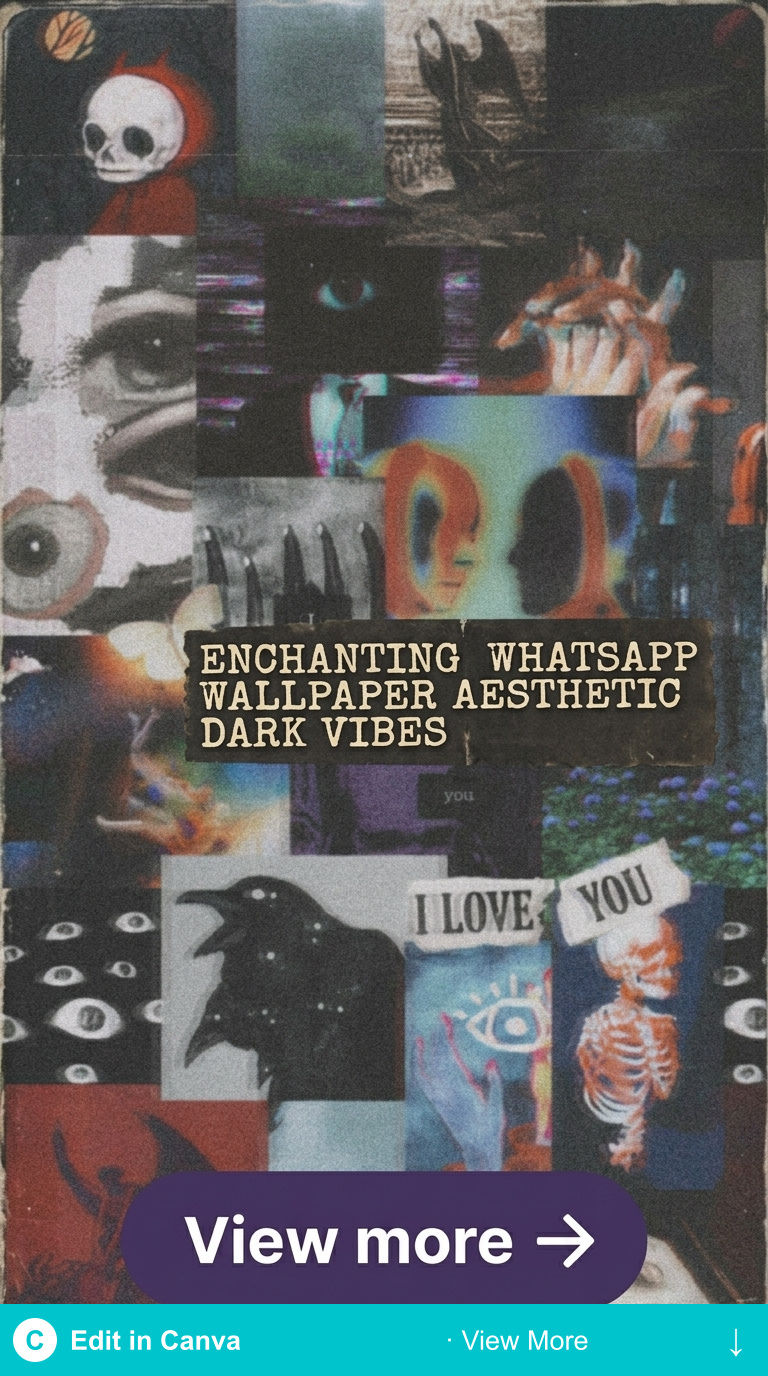
Three styles work well; two don’t.
Works: gradient dark botanical. Dense detail at the edges, gradient to more open space in the centre. Chat bubbles sit in the calmer area without competing with the art.
Works: abstract dark ink or watercolour. No dominant focal point. The eye doesn’t get pulled away from the chat content by a single strong visual element.
Works: dark gradient with minimal texture. Near-black with subtle colour variation — deep forest green or midnight blue with almost no pattern.
Doesn’t work: high-contrast detailed florals. Small white flowers against black create visual noise that makes reading text bubbles harder.
Doesn’t work: busy pattern repeat. Seamless tile patterns that repeat visibly create optical vibration — uncomfortable for extended reading.
Best Dark Aesthetic WhatsApp Wallpapers to Download
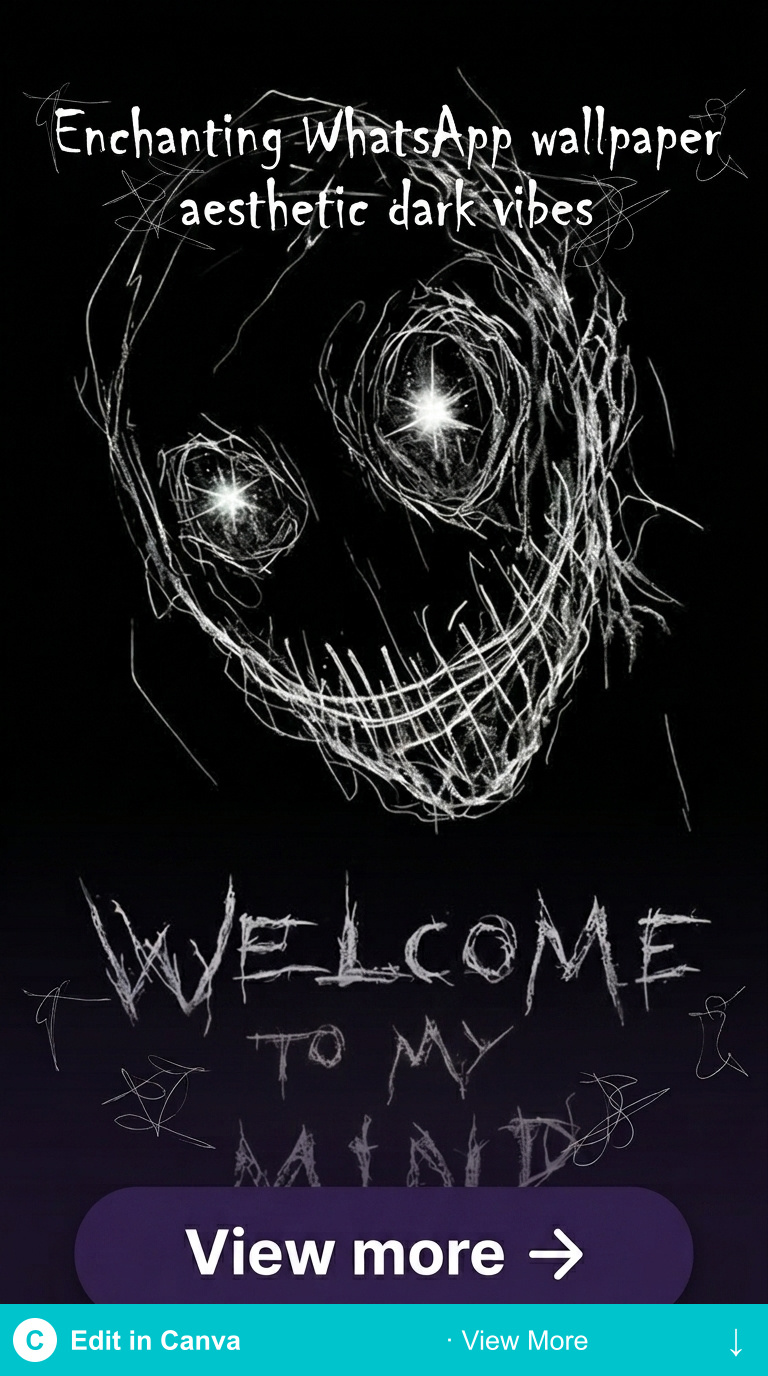
Each file below is a ready-to-download digital art file from Creative Fabrica — commercial licence, square-compatible crop possible, works as WhatsApp background. No editing required; set directly via WhatsApp > Settings > Chats > Chat Wallpaper.
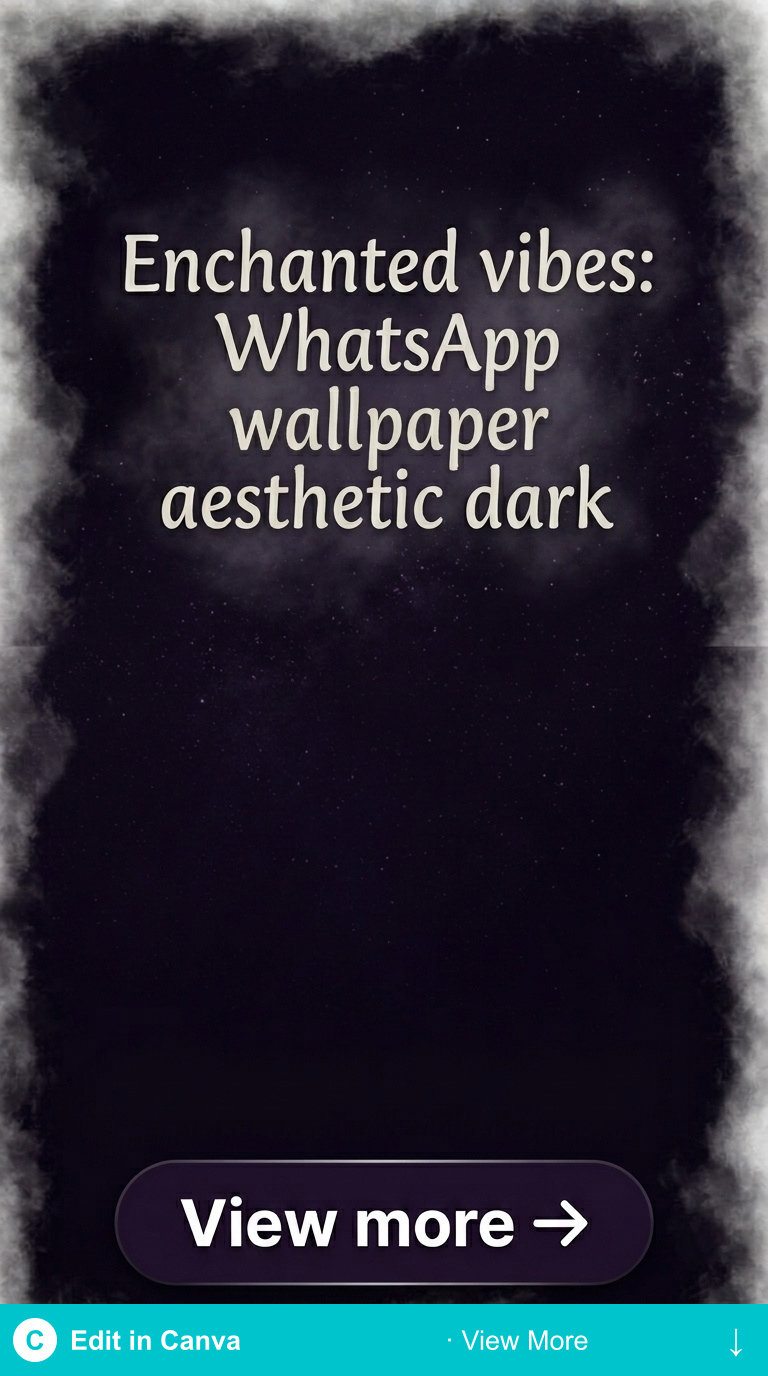
Dark Forest Botanical
Deep forest green with botanical forms concentrated at the frame edges and gradient open space in the centre. Clean composition for chat use — atmospheric without creating visual noise behind text.
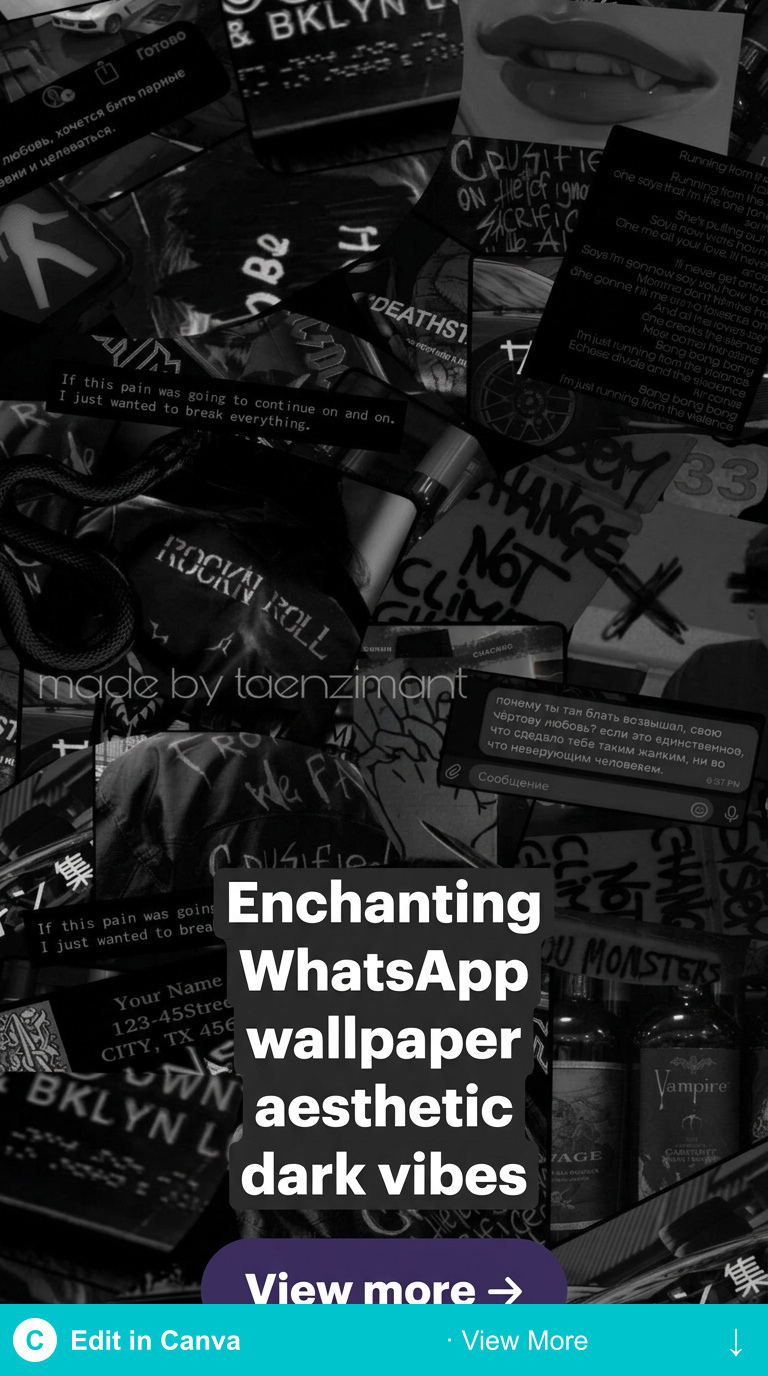
Dark Abstract Ink
Ink-wash abstract in near-black with visible colour variation — no hard pattern repeat, no strong focal point. The most “quiet” dark aesthetic option — present but not demanding attention away from chat content.
Dark Night Botanical
Night-palette botanical art with moon-adjacent atmospheric quality — not full moon-and-stars, just the light quality of a dark evening. Deep tones that work equally well for WhatsApp and phone wallpaper use.
Browse All Dark Aesthetic Wallpapers →
How to Set a Custom Dark Aesthetic Wallpaper in WhatsApp?
WhatsApp allows per-chat wallpaper (different background for each conversation) or global chat wallpaper (same background for all chats). For a coordinated dark aesthetic setup, global wallpaper makes more sense.
Path: WhatsApp → Settings → Chats → Chat Wallpaper → choose Custom. Import your downloaded image from Photos. WhatsApp will show a preview with sample chat bubbles — useful for checking legibility before confirming.
On iOS: WhatsApp wallpaper is separate from phone wallpaper. Changing your iPhone’s Lock Screen or Home Screen wallpaper doesn’t affect WhatsApp — they’re independent settings.
Looking for phone wallpaper to match? Our dark wallpapers aesthetic guide covers top styles for all devices, and our dark green aesthetic wallpaper post has forest botanical options.
Browse Dark Aesthetic Art Downloads →
Key Takeaways
- WhatsApp dark mode UI pairs best with botanical, abstract ink, or gradient dark backgrounds — not high-contrast patterns
- Best compositions for chat wallpaper have edge detail and open centre space, leaving room for chat bubbles
- Set via WhatsApp → Settings → Chats → Chat Wallpaper — independent from phone wallpaper settings
- Creative Fabrica free plan includes rotating dark aesthetic options with commercial licence
Frequently Asked Questions
What size should a WhatsApp wallpaper image be?
WhatsApp accepts most image sizes and crops to fit the screen. For best quality with no visible compression: use 1080×1920px minimum. Square crops (1080×1080px) also work — WhatsApp centres them on the screen.
Can I set different wallpapers for individual WhatsApp chats?
Yes. Open the specific chat → tap the contact name at the top → Wallpaper → choose Custom. This overrides the global chat wallpaper setting for that conversation only.
Does dark wallpaper affect WhatsApp notification visibility?
No — notifications appear as system overlay elements above the UI, not the wallpaper. The wallpaper is only visible inside the open chat view.