Android gives you more wallpaper customisation than iOS — per-screen wallpapers, live wallpapers, lockscreen and homescreen wallpapers that can differ, plus Material You colour matching. Dark aesthetic wallpaper on Android isn’t just a background choice; it’s the seed for your entire UI colour system.
This guide covers the best dark aesthetic wallpaper Android options in 2026 — from botanical to celestial — plus how to use Android’s Material You system to get coordinated UI colours.
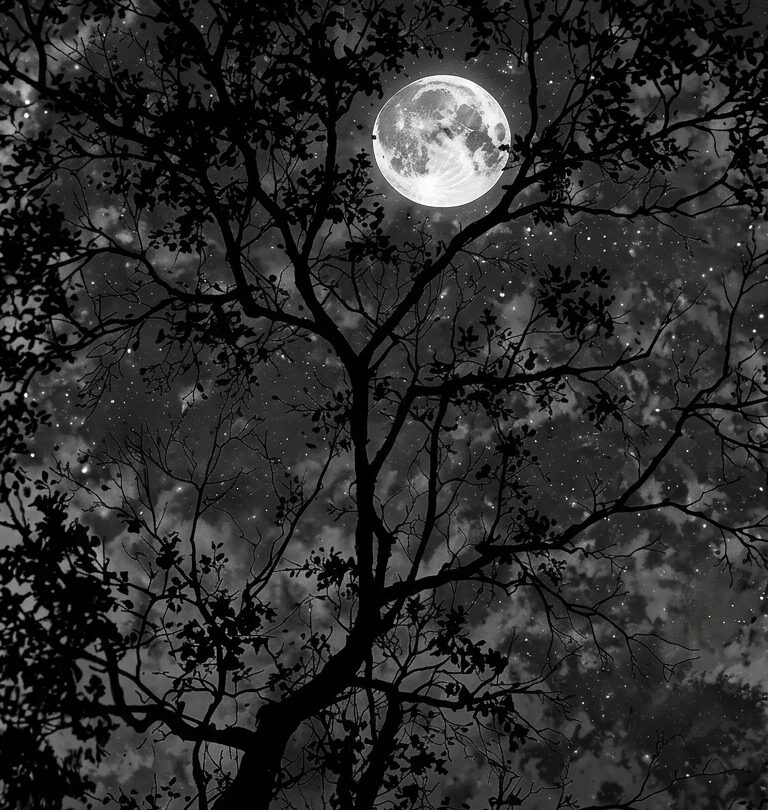
Deep atmospheric art with strong colour specificity — midnight blue, forest green, deep violet — that feeds Android’s Material You colour extraction with a clear dominant tone. Works as both home screen and lock screen. Available on Creative Fabrica with commercial licence.
How Android’s Material You Works with Dark Aesthetic Wallpaper?
Android 12+ extracts dominant colours from your wallpaper and applies them to system UI elements — notification panels, quick settings, widget backgrounds. A dark forest green wallpaper generates a dark green-to-teal system palette. A midnight blue wallpaper generates a cool blue-grey system palette. The stronger and more specific your wallpaper colour, the more cohesive the Material You result.
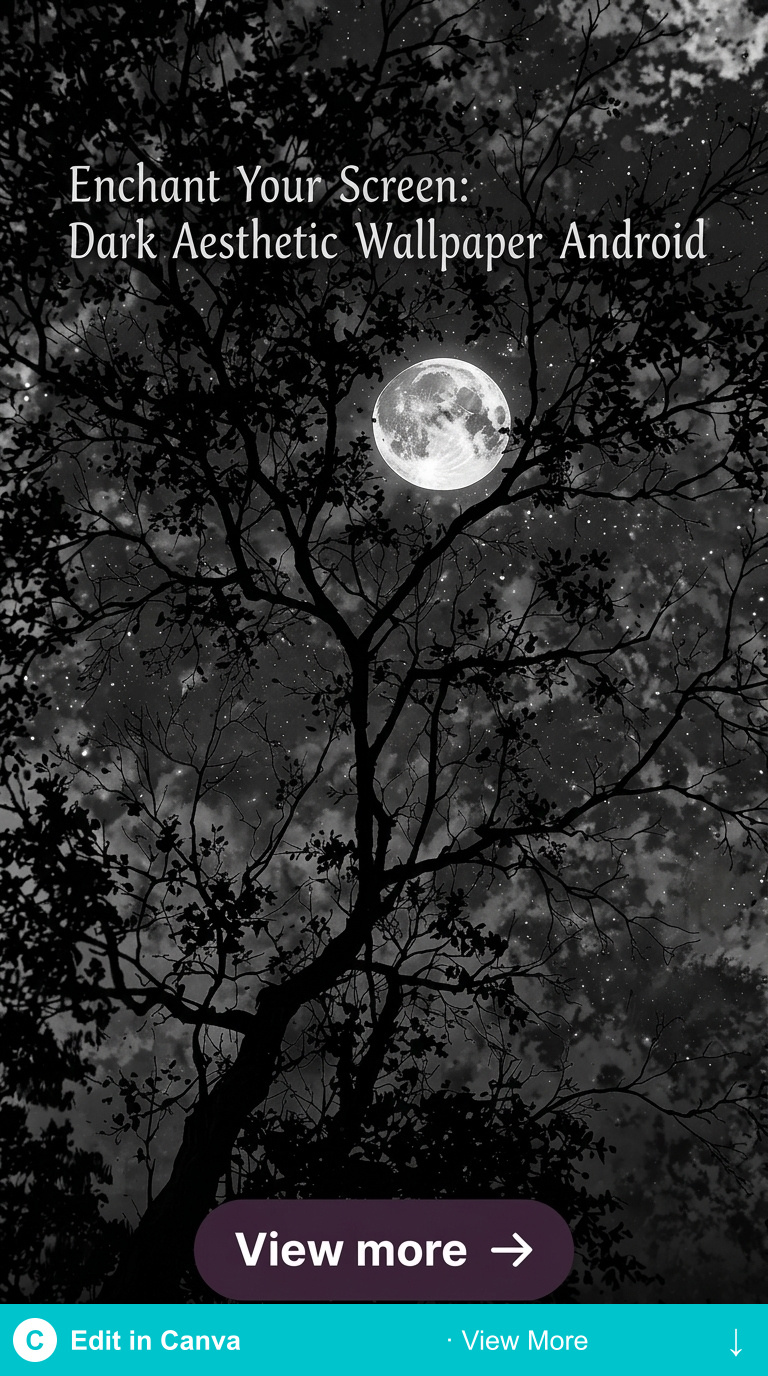
Which Dark Aesthetic Android Wallpaper Gives the Best Material You Result?
Single-dominant-colour wallpapers generate the most coherent Material You palettes: deep forest green, midnight blue, deep violet. Multi-colour or heavily patterned wallpapers generate mixed palettes that can look inconsistent across UI elements. For best results: choose dark aesthetic art with one clearly dominant atmospheric colour.
How to Set Dark Aesthetic Wallpaper on Different Android Launchers?
Each file is ready-to-download illustrated art from Creative Fabrica — commercial licence, instant download. Free plan rotating options; All Access unlocks everything.
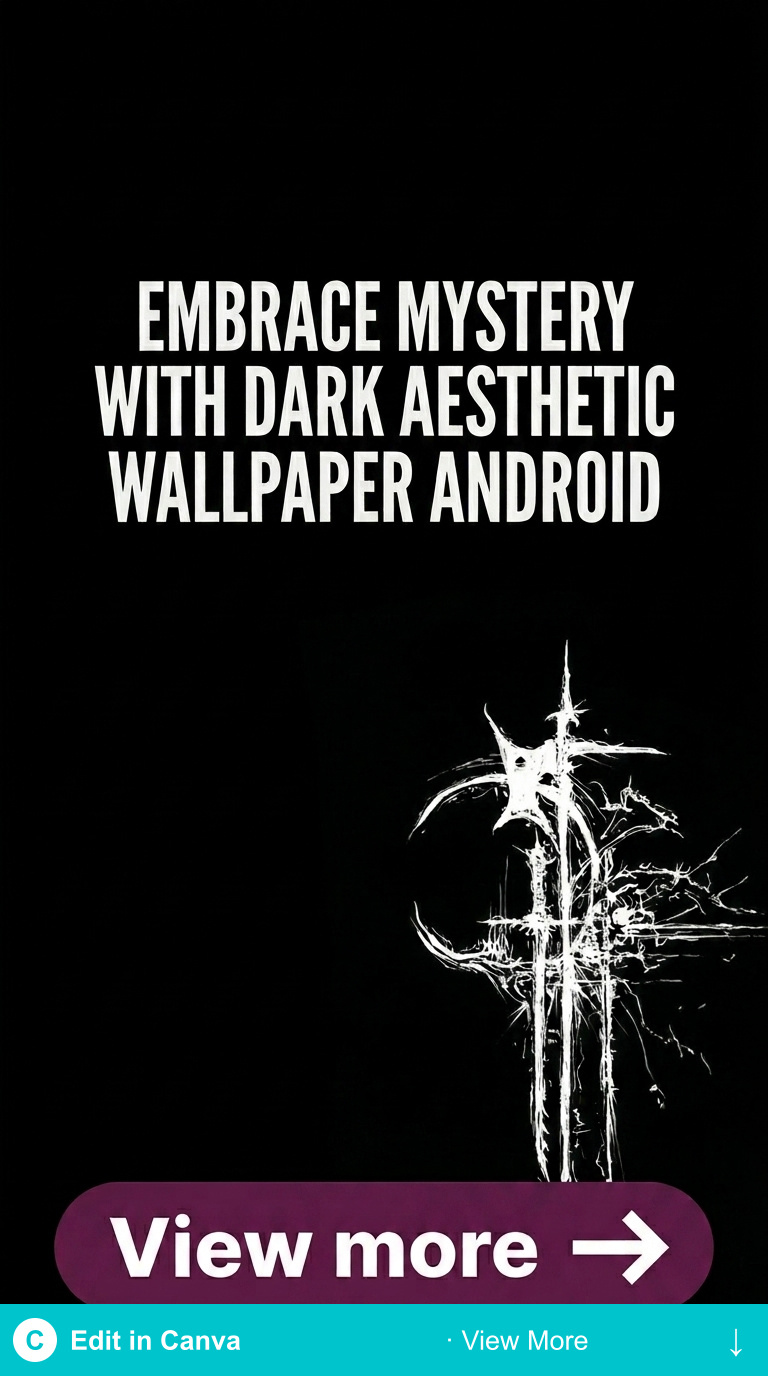
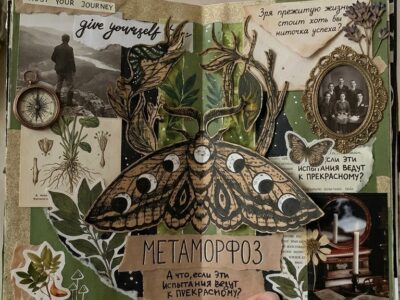
Dark Forest Green Android
Deep forest botanical art in single-dominant green — generates a clean forest-green Material You palette across Android UI. The strongest single-colour dark aesthetic result.
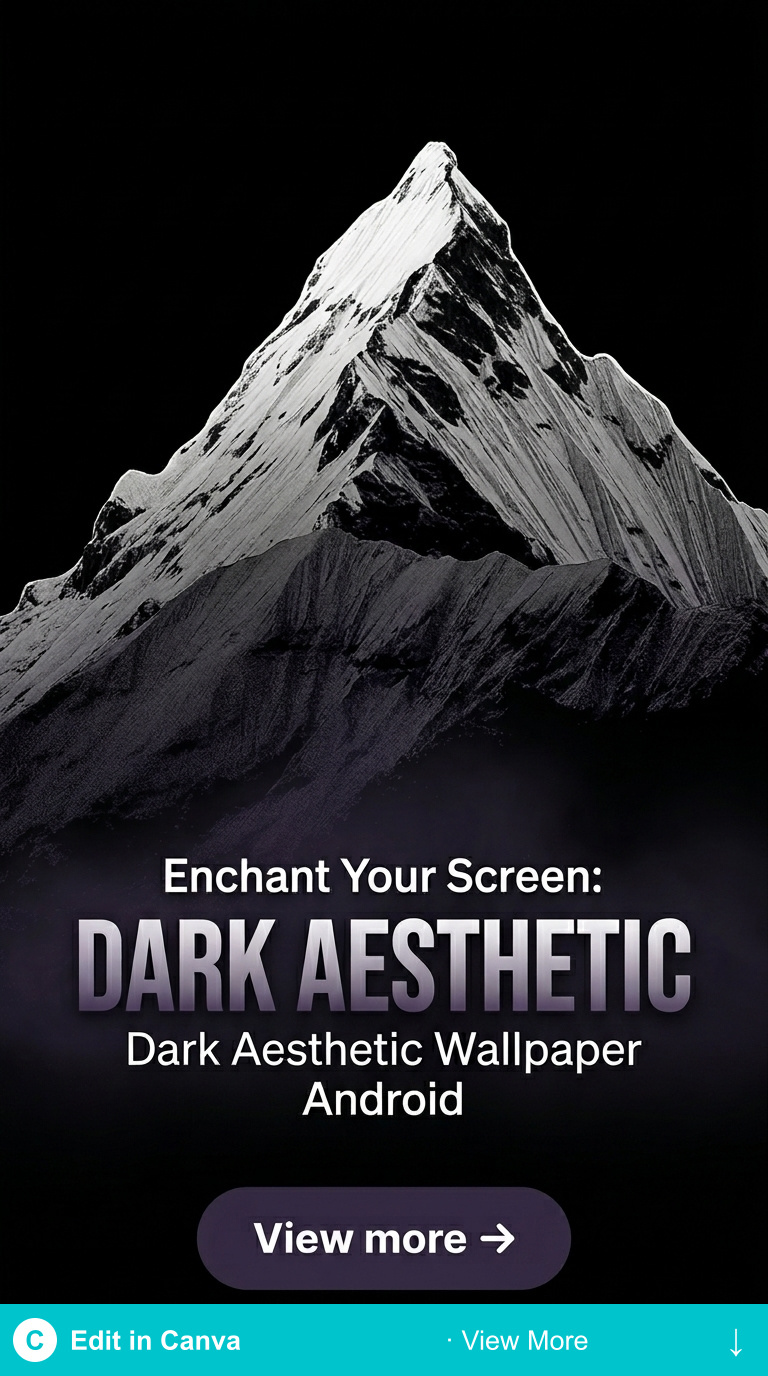
Dark Blue Android Wallpaper
Midnight blue art with deep indigo tones — feeds Material You a cool blue-grey palette. Works across all Android launchers.
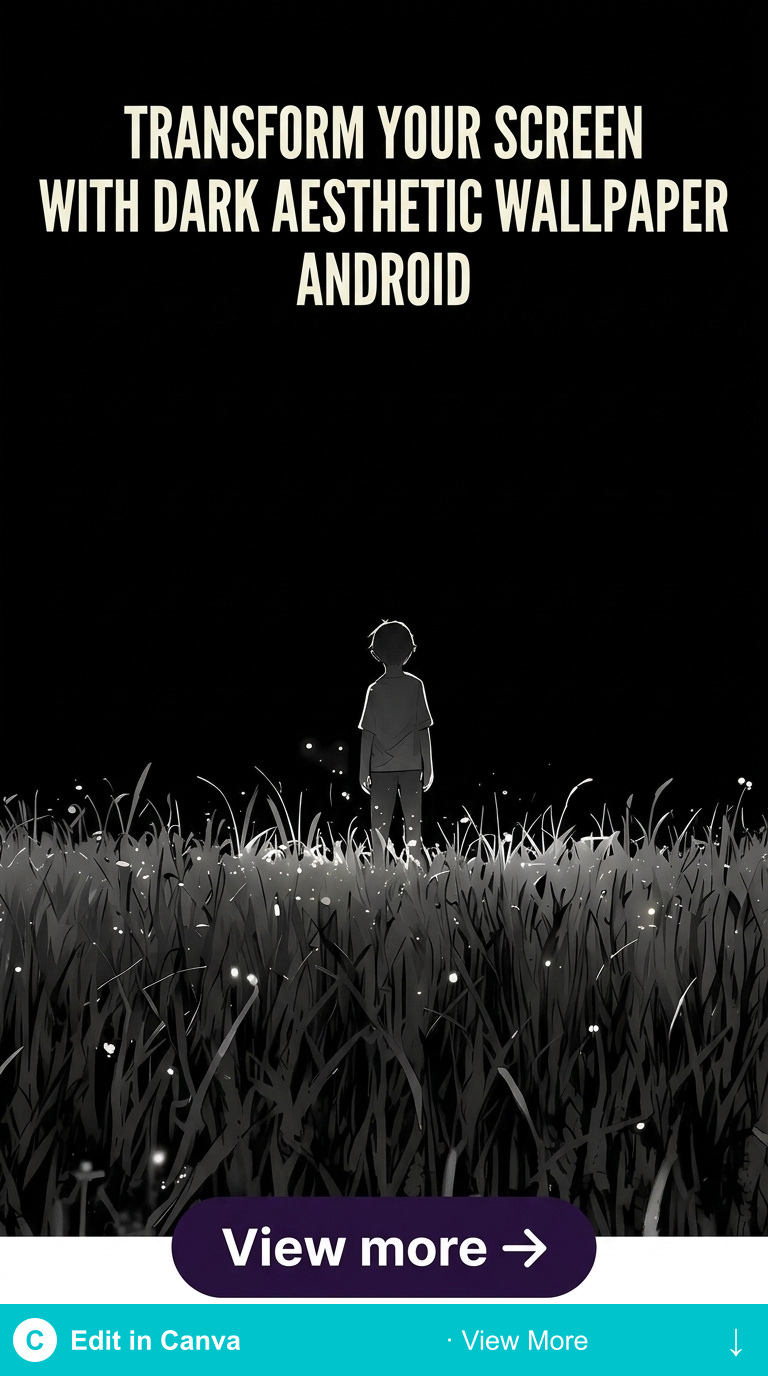
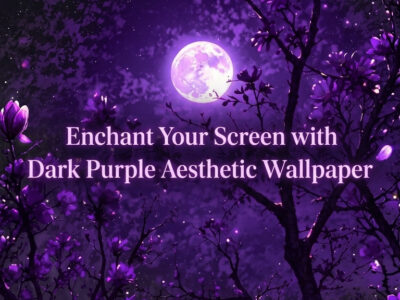
Dark Violet Android Art
Deep violet botanical or abstract art — generates a warm purple-grey Material You accent palette. Strong for OLED displays at low brightness.
Browse Dark Android Aesthetic Wallpapers →
Related: dark aesthetic wallpaper Android HD guide and dark wallpapers aesthetic overview.
Browse Dark Aesthetic Wallpaper Android Downloads →
Key Takeaways
- Android Material You extracts UI accent colours from your wallpaper — single-dominant-colour dark art gives the most cohesive result
- Forest green, midnight blue, and deep violet generate the strongest dark aesthetic Material You palettes
- Set home screen and lock screen wallpapers separately using the same source art cropped differently
- Creative Fabrica art at 3000–5000px works across all Android display densities
Frequently Asked Questions
Does dark wallpaper affect Android battery on OLED?
Yes — near-black and very deep dark tones on OLED screens (Samsung AMOLED, Pixel OLED) use less power because pixels turn off for true black. Deep forest green, midnight blue, and deep violet at low luminance approach this range on OLED.
How do I get Material You to use dark aesthetic colours?
Set your wallpaper, then go to Settings → Wallpaper & Style (or equivalent on your launcher) and select the accent colour from the generated palette that matches your intended dark aesthetic. Material You offers several palette variants — choose the darkest or most saturated option for best dark aesthetic result.
Can I use the same wallpaper on Android and WhatsApp?
Yes — download at high resolution and set separately. Android home screen wallpaper and WhatsApp chat wallpaper are independent settings. The same dark aesthetic art works for both; the WhatsApp chat view crops it differently than the home screen.