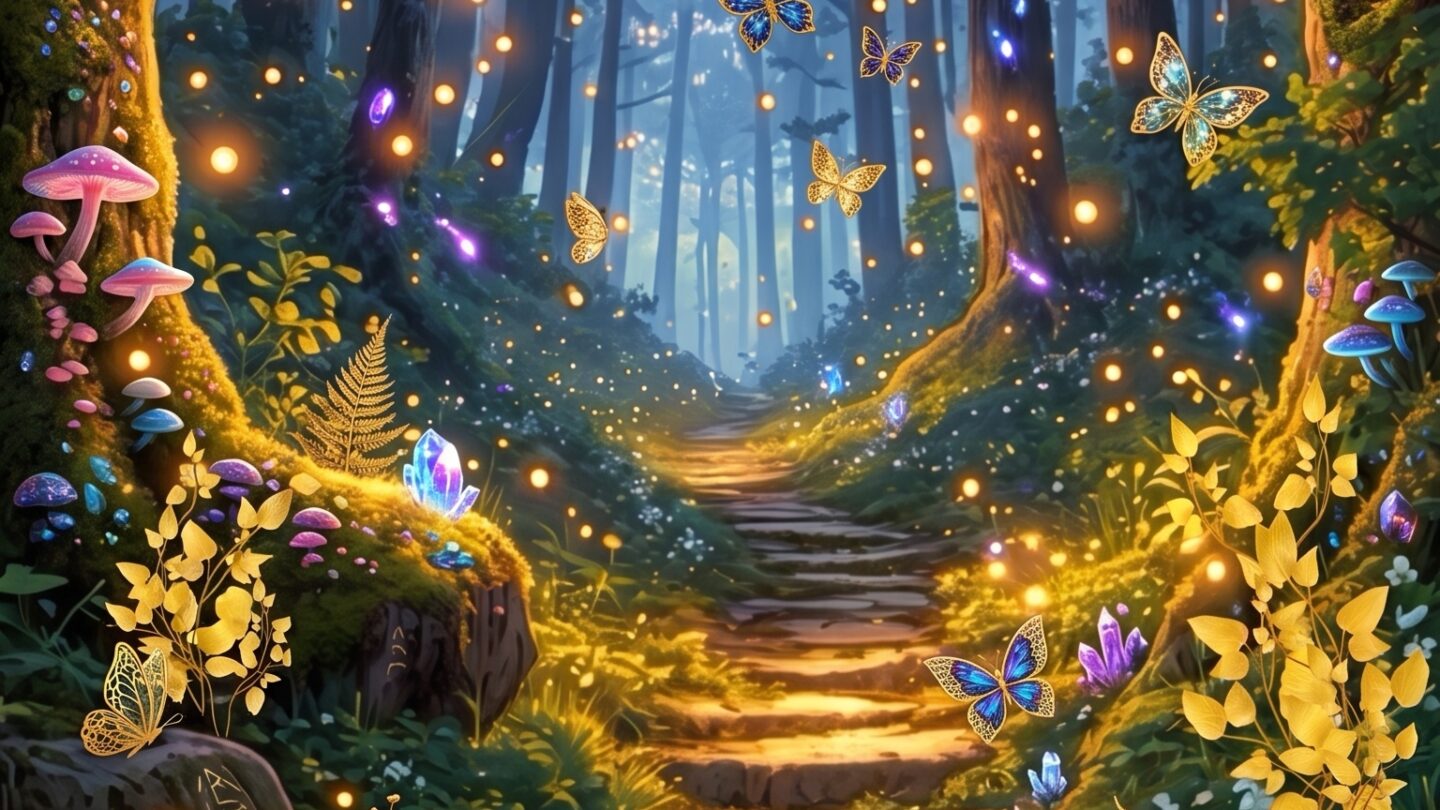
Enchanted forest digital paper is one of those product categories where the gap between good and mediocre is immediately visible. Open two packs side by side and you’ll know within three seconds which was built for the aesthetic and which was built to fill a listing slot. The difference is almost always the same: depth versus decoration.
This guide covers what separates quality enchanted forest paper packs from generic botanical bundles, the specific styles and formats worth downloading, and how to actually layer them in scrapbooking and journal projects.
All product examples are from Creative Fabrica — instant download, commercial licence included, compatible with Photoshop, Canva, and Illustrator.
What makes enchanted forest digital paper? Seamless tiles or A4/12×12 sheets featuring woodland motifs — misty trees, fungi, ferns, fireflies, moonlight — in deep green, charcoal, and gold palettes. Quality packs include 8–12+ coordinating patterns at 300 DPI with commercial licence for Etsy and print-on-demand use.
What Makes a Great Enchanted Forest Digital Paper Pack?
Four things, in order of importance:
- Palette consistency across the pack — every tile should share the same colour story. If tile 4 is suddenly seafoam green, the pack was assembled from mismatched sources.
- Genuine atmosphere — fog, dappled light, shadow depth. Flat botanical fills miss the point entirely.
- Variety within the theme — a mushroom tile, a misty canopy tile, a dark floral tile, a bark texture tile, a firefly overlay. One motif repeated twelve ways isn’t variety.
- Print resolution — 300 DPI at 12×12 inches minimum. Lower than that and your scrapbook pages go muddy in print.
One thing that consistently separates the best packs from average ones: the darkest tiles are genuinely dark. Not dark-adjacent. Not “it photographs well on a white background.” Genuinely near-black in the shadow areas.
Which Enchanted Forest Paper Styles Are Worth Downloading?
The category splits into roughly five distinct styles — each with different use cases:
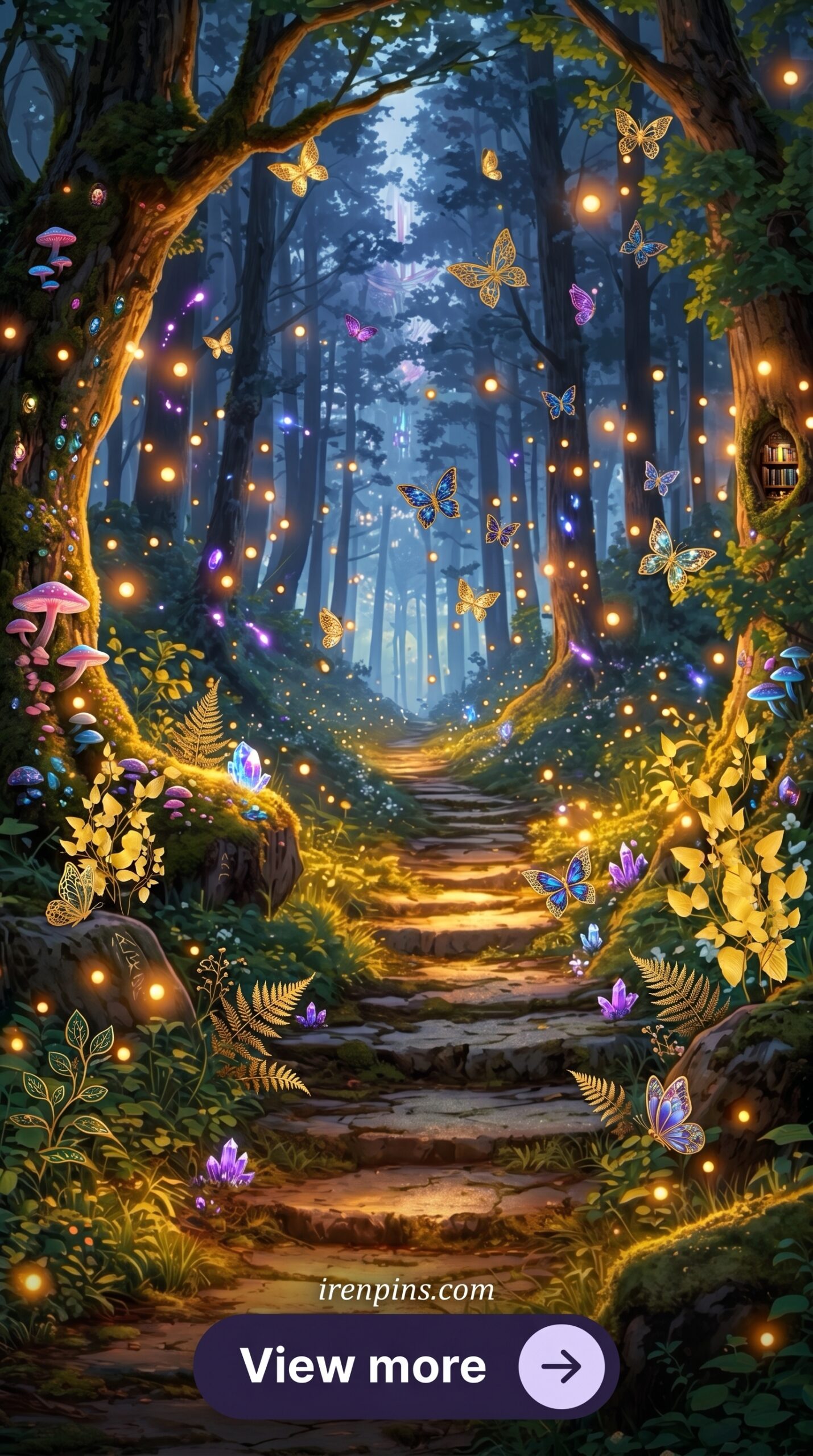
- Misty atmospheric — fog layers, tree silhouettes, soft light rays. Best for scrapbook backgrounds and journal covers. Won’t compete with text overlaid on top.
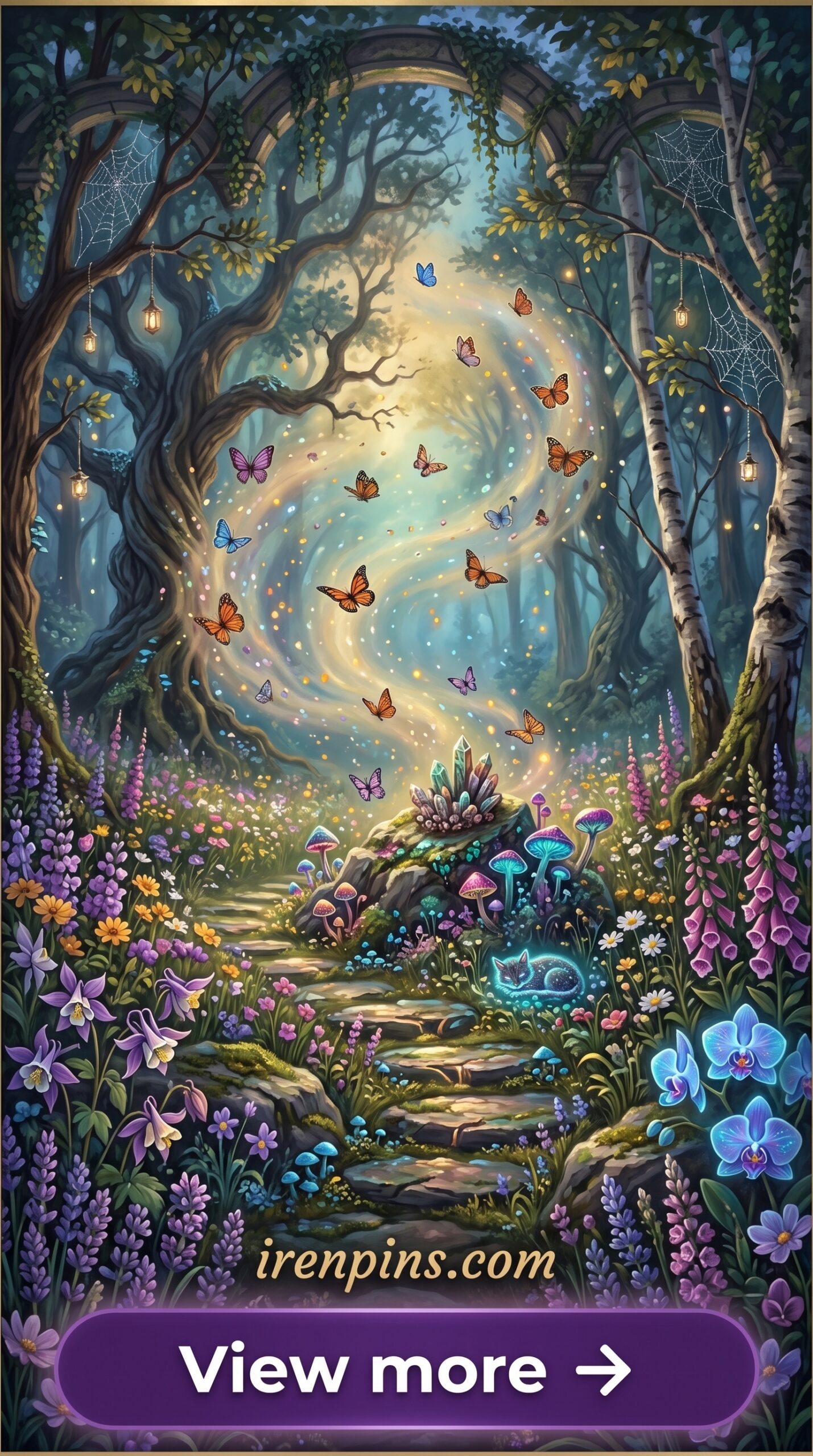
- Dark floral botanical — detailed flower and foliage illustration on deep-toned backgrounds. Best for statement pages, border accents, decorative endpapers.
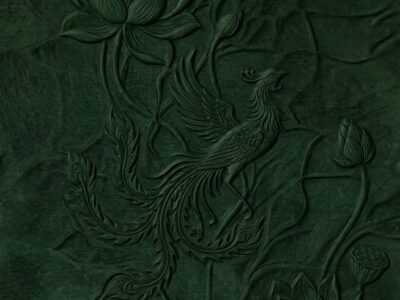
- Texture tiles — bark, stone, moss, aged parchment. Best for layering underneath more detailed elements. The quietest in the pack, but often the most useful.
- Illustrated scene — full-composition artwork: a moon through branches, a mushroom ring, a forest path. Use as a single hero background, not tiled.
- Gold foil accent patterns — dark base with metallic botanical line art. High-contrast, elegant. Works for wedding stationery, gift wrap, and journal dividers.
For most scrapbook projects you need at least three style types in one pack: atmospheric for backgrounds, textural for mid-layers, and at least one high-detail tile for focal accents.
How Do You Use Digital Paper in Scrapbooking?
The files below are instant-download paper packs from Creative Fabrica — commercial licence included, available on the free and All Access plans. Download as JPG or PNG, open in Photoshop or Canva, and layer directly into your scrapbook pages. Print at home or send to a print shop — the 300 DPI resolution handles both.
Dark Forest Seamless Tile Pack
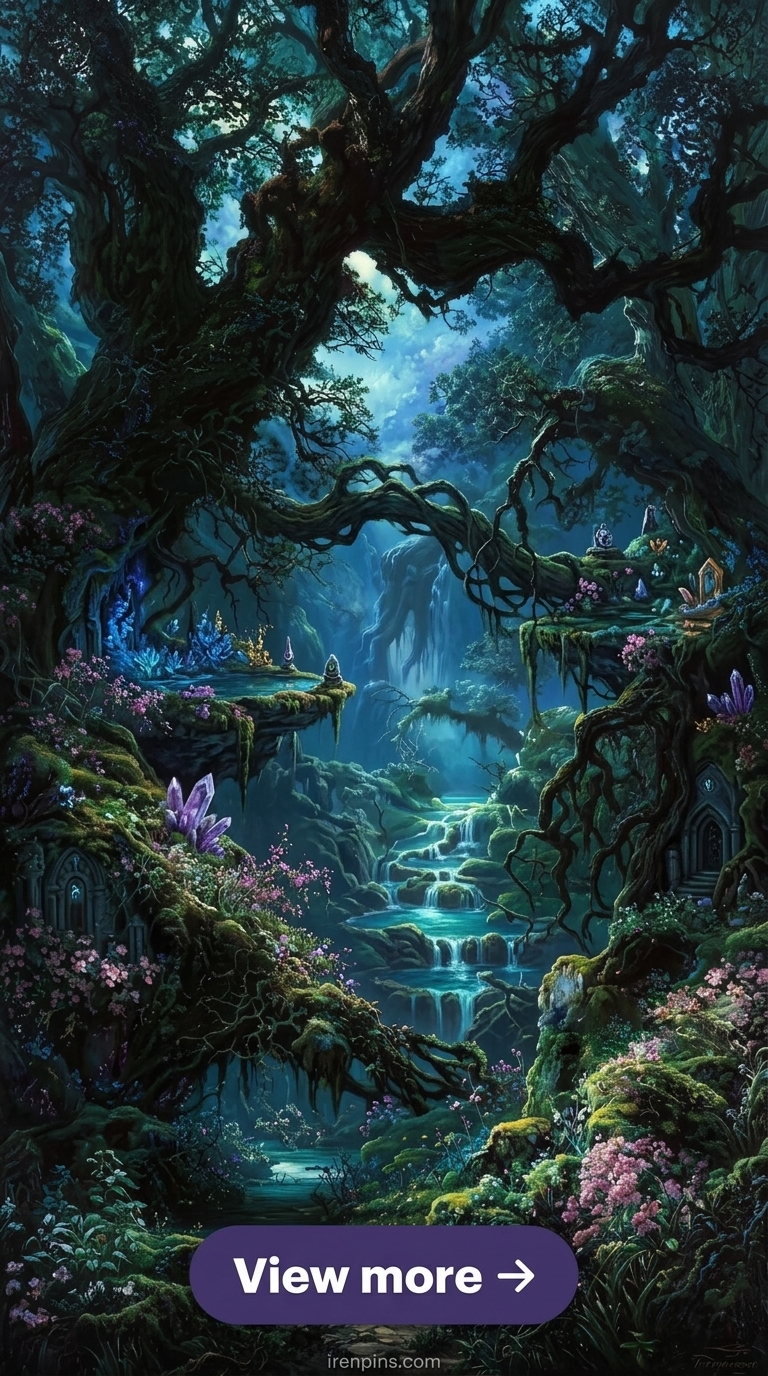
Deep green and charcoal woodland tiles — the misty canopy version is the one that actually reads as enchanted rather than decorative.
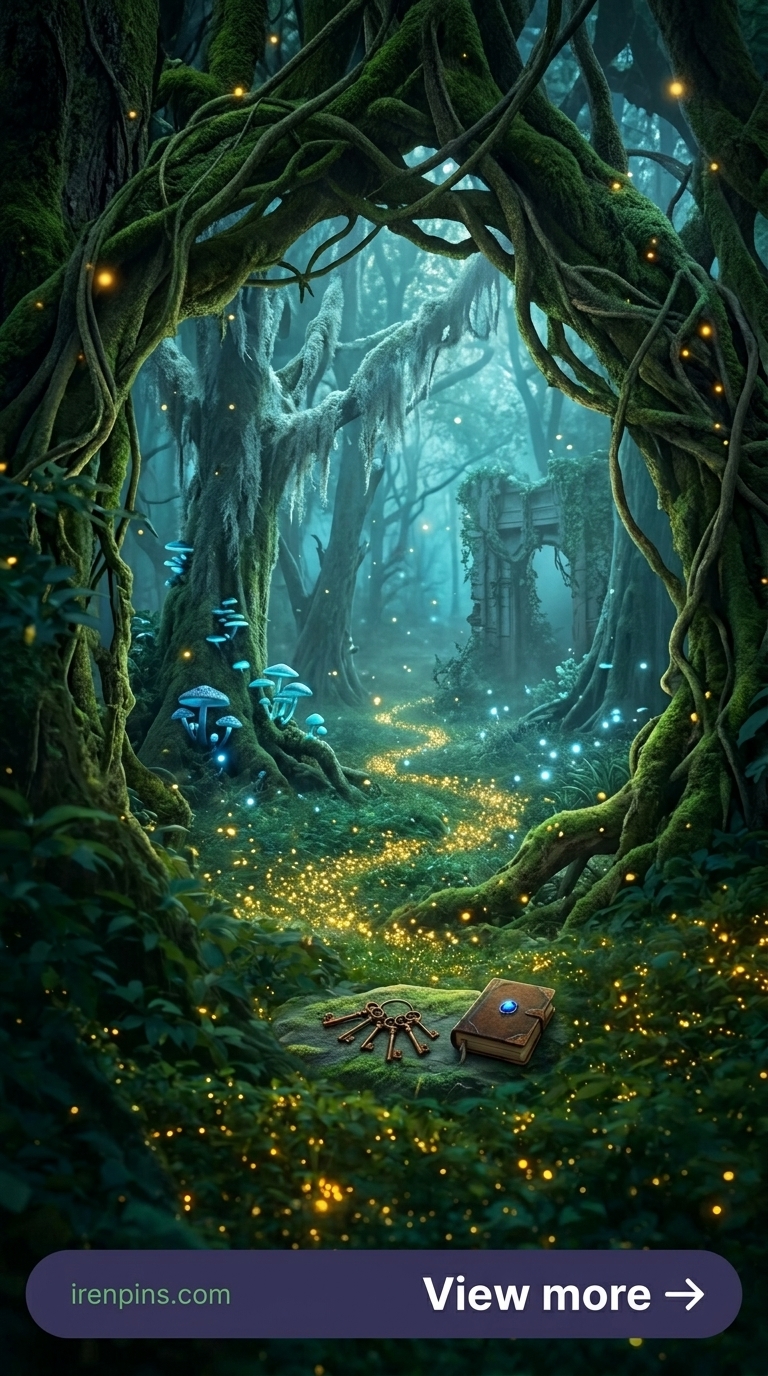
Magical Forest Atmosphere Pack
Firefly and light-ray overlays on dark woodland grounds — rare to find pre-built; usually requires manual compositing.
Browse Enchanted Forest Paper Packs →
How Do You Layer Enchanted Forest Papers for a Magical Look?
Layering digital paper is the difference between a scrapbook page that looks assembled and one that looks designed. The formula for enchanted forest specifically:
- Base layer — a solid dark tone or near-black texture tile at 100% opacity. This anchors everything above it.
- Atmospheric mid-layer — a misty woodland or fog tile at 60–70% opacity, blending mode set to Multiply or Soft Light. This is where the magic actually happens.
- Detail layer — botanical illustration, mushrooms, or foliage at 85–95% opacity. Position off-centre, not centred — centred compositions look like clip-art placement.
- Accent layer — gold foil or light-ray overlay at 20–35% opacity. Barely-there highlights add depth without competing with content.
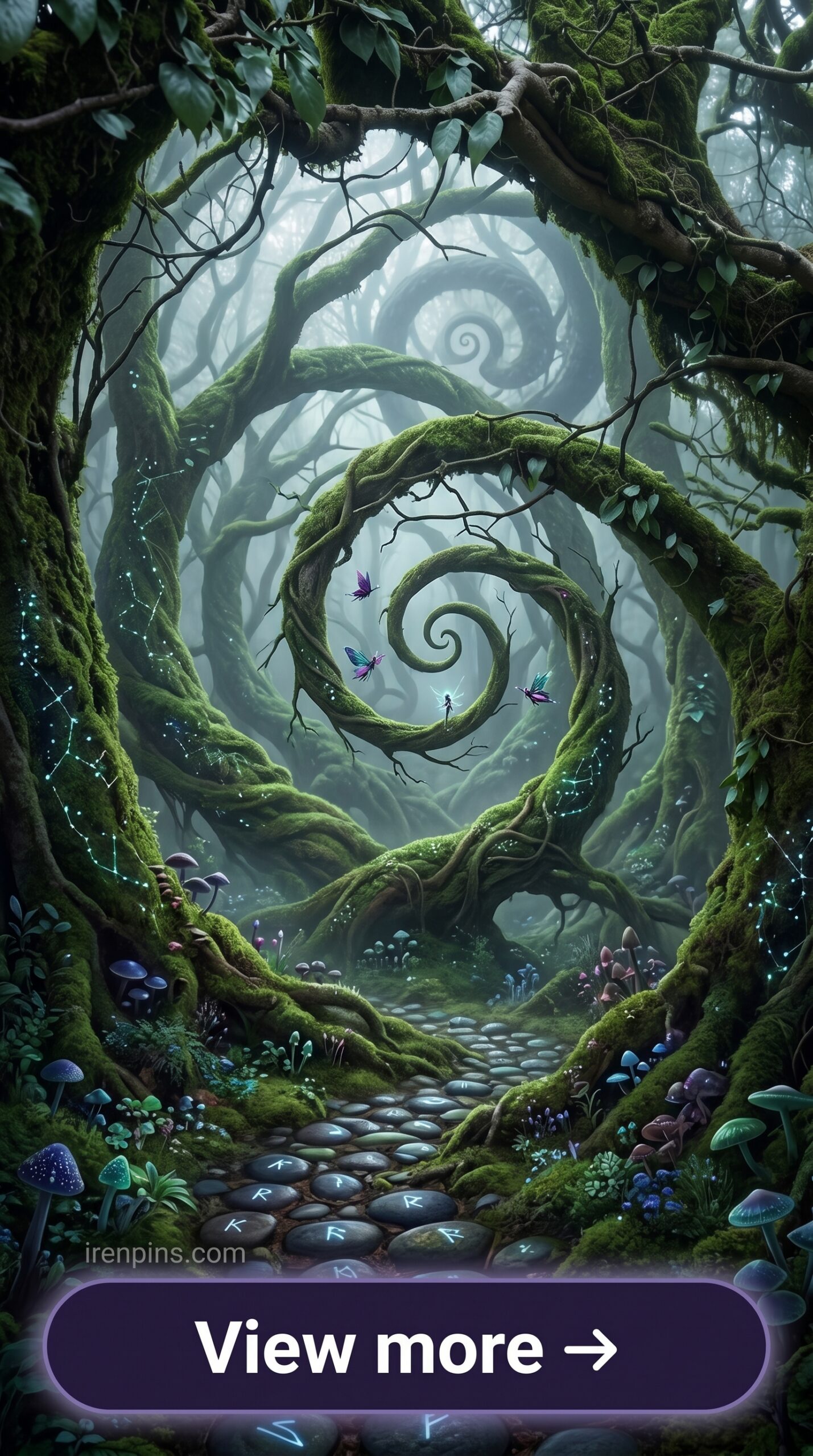
The most common mistake: layering three busy patterns at full opacity and then wondering why the page looks muddy. Dark forest aesthetics work because of restraint. One statement element. The rest, atmosphere.
Where Do You Download Enchanted Forest Paper Packs?
Creative Fabrica is the most consistent source for this aesthetic — wider selection than Etsy, all files include commercial licence, and the free plan rotates new downloads regularly. Their search filters for file type (seamless, A4, 12×12) make it easier to find exactly what format you need.
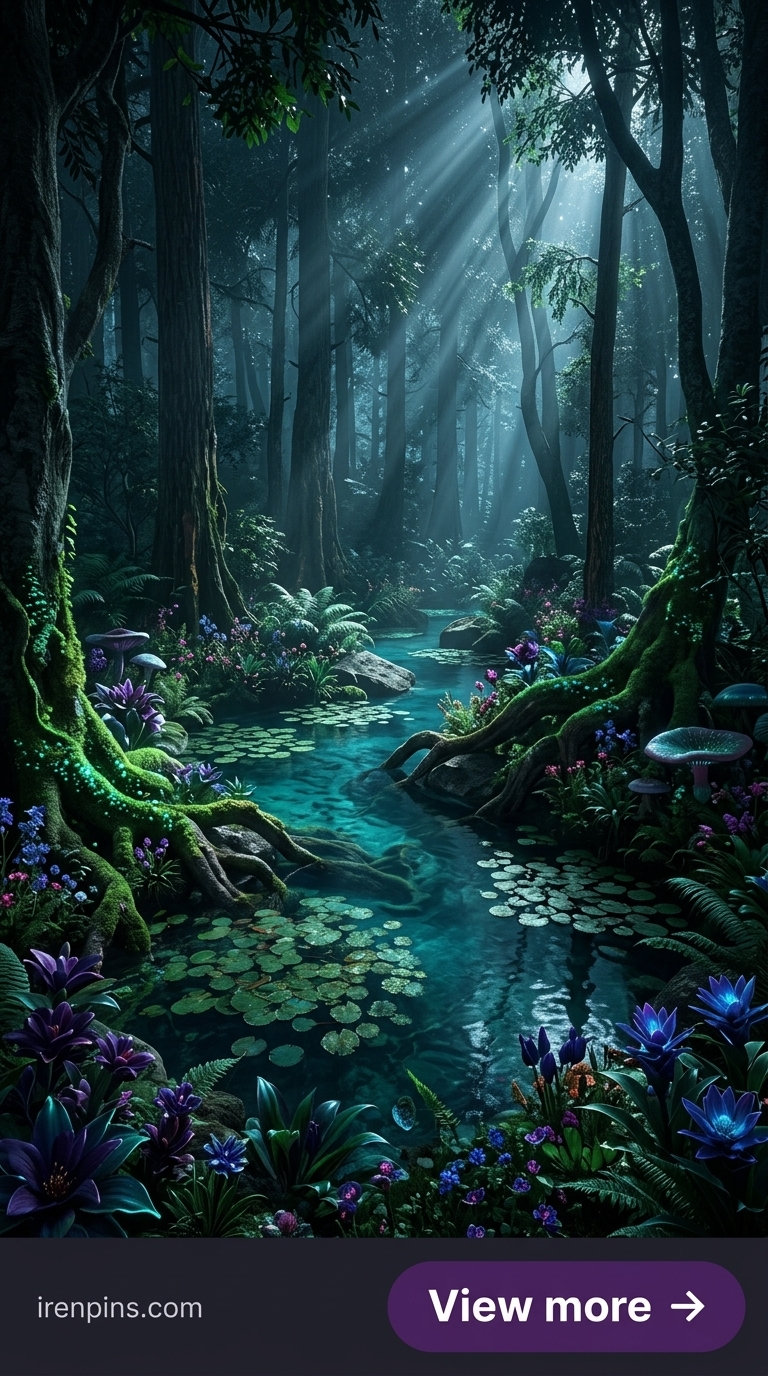
Looking for more dark woodland assets? Our dark forest aesthetic guide covers the full visual language — colour palettes, SVG bundles, and clipart sets — and our dark scrapbook ideas article shows exactly how to build full page layouts using these papers.
Download Enchanted Forest Papers on Creative Fabrica →
Key Takeaways
- Free plan on Creative Fabrica gives access to rotating enchanted forest paper downloads — no payment required to start
- Quality packs have 8–12+ coordinating tiles with consistent palette across all files — not mixed-source collections
- Layering formula: dark base → atmospheric mid-layer → detail element → subtle accent overlay
- 300 DPI at 12×12 inches is the minimum for scrapbook printing; lower resolution goes muddy under print conditions
Frequently Asked Questions
What file formats do enchanted forest digital papers come in?
Most quality packs include both JPG (for printing) and PNG (for transparent layering in Photoshop or Procreate). Some include PDF for direct printing. Always check the listing before buying if format matters for your workflow.
Can I use enchanted forest digital paper for Etsy listings?
Yes — Creative Fabrica files include a commercial licence, meaning you can use them in products you sell on Etsy, POD platforms, or as part of client work. Check the individual listing for any restrictions, but commercial use is the standard on the platform.
What size are enchanted forest digital paper tiles?
Standard scrapbook size is 12×12 inches at 300 DPI. Some packs also include A4 (8.27×11.69 inches) for European printing formats. Always check the listing dimensions before using for large-format print projects.
How many patterns should a good enchanted forest paper pack include?
Eight to twelve distinct patterns is the minimum for a pack that covers enough variety for a full scrapbook spread. Packs with fewer tiles tend to have repetition issues when tiled across large backgrounds.
Is enchanted forest digital paper suitable for wedding stationery?
Yes — dark woodland papers work well for enchanted forest wedding invitations, menus, and seating charts. For stationery specifically, look for packs with gold foil accent patterns and atmospheric (not busy) background tiles that won’t compete with printed text.